
Installing software for your web site is made easy using cPanel and the Softaculous software. However, the folder you choose to install software must be empty for this to work. If you attempt to install software in a folder that is not empty, you may see the following error:
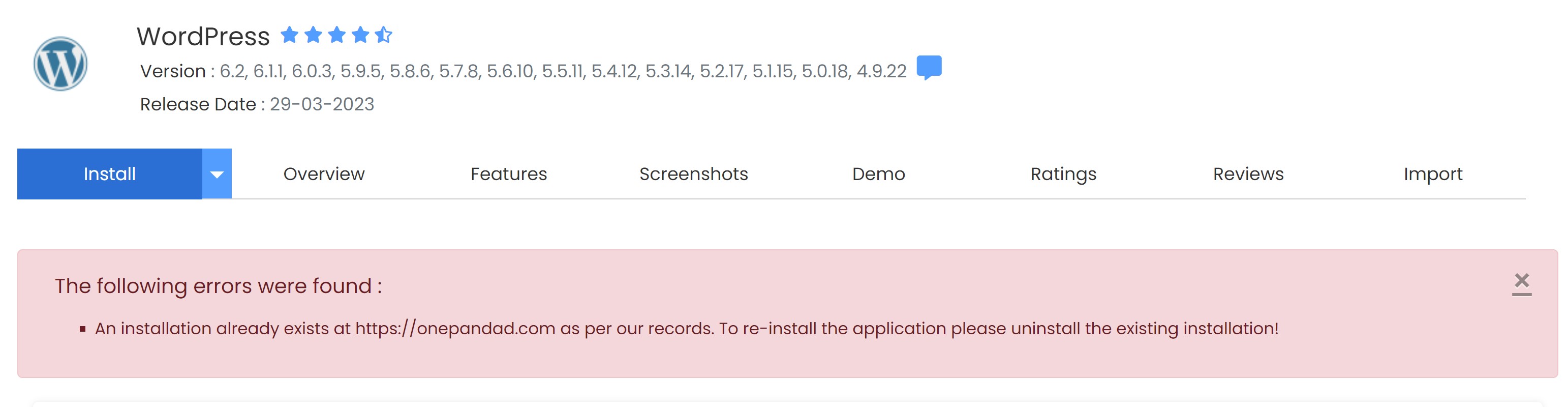
If you see this error, you will need to either choose a different folder for installation, or remove the existing files in that folder. We recommend that you first look for any installations on your web site. To do so, locate the control bar (should be at the top right of your Softaculous screen) and click the "All Installations" icon, as highlighted below:

This page will list all of your software installations. From here you can manage, backup or remove any installation to make room for new software.